Chem Trails in Your CRM: Why HubSpot Needs a Naming Convention
Every HubSpot portal I open has its own ghost story.
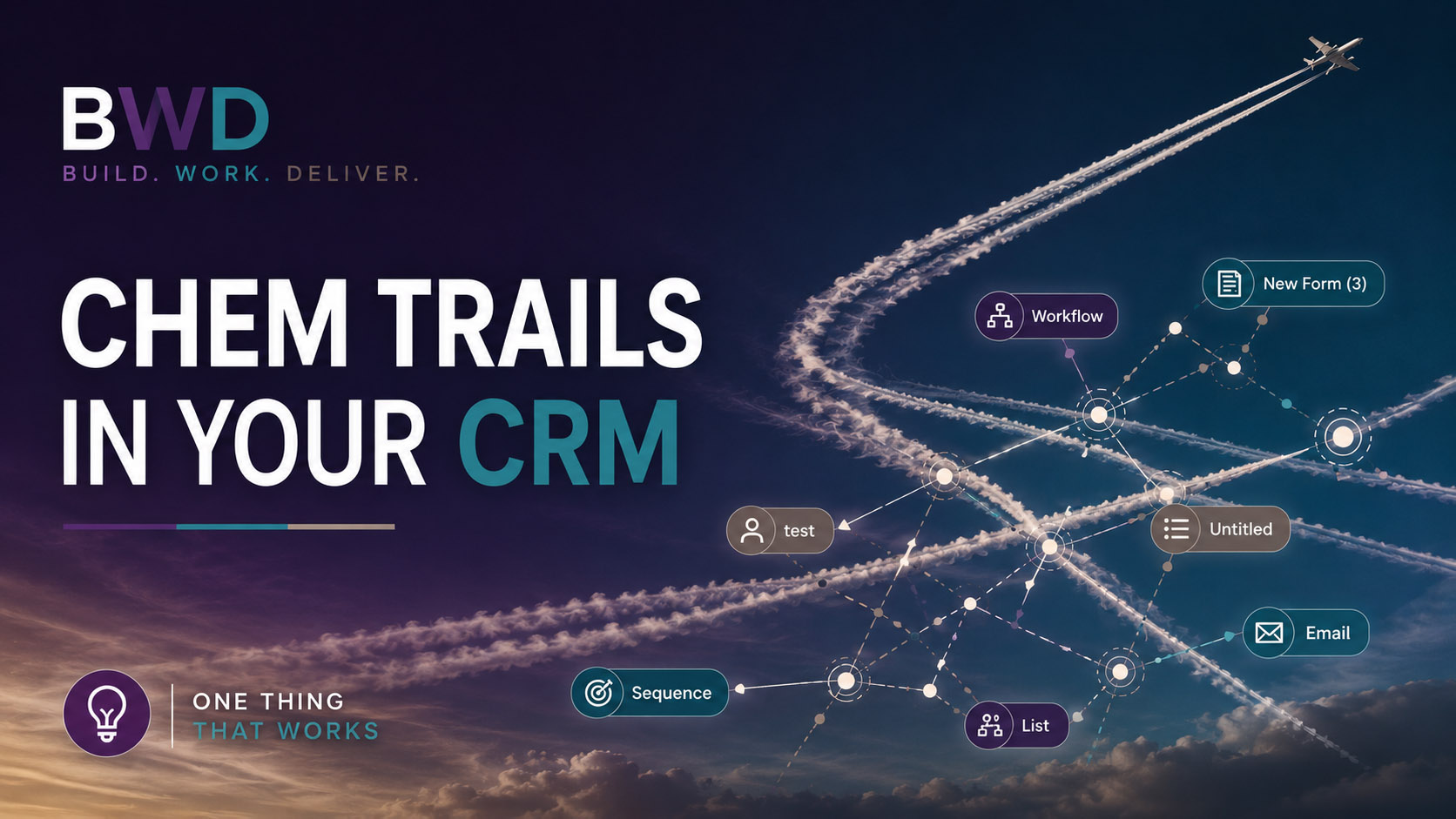
Workflows named “Send a follow up email after form submission.” Forms called “New Form (3).” A form, a list, an email, and a workflow all lingering under some version of “Unnamed.” And then there’s my personal favorite: “test.” Not one “test” — usually three or four, scattered across the portal like nobody ever came back to clean them up. Because nobody did.
None of this happened on purpose. Someone was moving fast, building the thing, solving the problem in front of them. Naming it well felt like a later problem. Then later never came, and eighteen months in, nobody on the team can tell you what “test 2 final” actually does — including the person who built it.
This isn’t a problem unique to any one portal, either. It’s common enough that people are still asking HubSpot’s own community forum for a working naming system years after the thread was first posted.
Here’s the part that surprises people: naming isn’t a nice-to-have. It’s structural. Every form, email, workflow, sequence, and list in HubSpot can follow one consistent pattern, and when it does, anyone who opens the portal — including future-you — can tell what something is, what it does, and how it connects to everything else, without clicking into it.
Why this actually matters, long term
I’ve walked into portals with over 500,000 duplicate contact records, created by an integration nobody on the current team even knew was running. Nobody named it clearly, nobody documented what it did, and by the time anyone noticed, the mess had been compounding for years. That’s an extreme case, but it’s not a rare one; it’s a more dramatic version of what I cover in why your CRM has duplicates and what that’s actually breaking. It’s what happens when systems get built without a naming standard to hold them together.
The industry data backs this up. Gartner research puts the average cost of poor data quality at close to $13 million a year per organization, and an IBM Institute for Business Value analysis has been cited alongside Harvard Business Review estimates that run into the trillions economy-wide. Validity’s research found that when even one in five CRM records is inaccurate or unclear, sales reps lose real chunks of their day just hunting for the right information — the same friction I wrote about in stop hunting for info inside your own CRM. A messy, unnamed portal is a slower version of the same problem — every person who touches it pays a small tax in confusion, and that tax compounds every time someone new joins the team.
None of that shows up as a line item. It shows up as a rep who can’t tell which sequence a lead is in, an admin who’s afraid to delete anything because nothing is named clearly enough to know if it’s still in use, and a portal that’s technically “working” while nobody actually trusts it. I’ve written before about why “mostly working” is the most dangerous state a CRM can be in — a naming convention is one of the cheapest ways to keep a portal from sliding into that state in the first place.
The master pattern
Nearly everything in HubSpot — forms, emails, sequences, lists, and templates — can follow one format:
[CATEGORY] | Descriptor
Title case, one space on each side of the pipe. That’s it. The category tells you what stage or purpose the asset belongs to. The descriptor tells you which specific thing it is. Read the name, and you know both without opening anything.
I built a version of this for a preschool client recently, where “category” meant funnel stage: Inquiry, Tour, Application, Offer, Enrolled, Re-Enrollment, Referral, Admin. A first-contact form became “INQUIRY | Interest Form.” The reminder email that goes out before a scheduled visit became “TOUR | Confirmation Email.” Nobody on staff has to guess what stage of the funnel something belongs to — the name tells them.
Your categories won’t be preschool enrollment stages. They might be lifecycle stage, deal stage, or campaign type. The pattern holds regardless of industry — pick categories that map to how your business actually moves people through a process, and build every form, email, and list around them.
Workflows are the one exception
Workflows get named differently, on purpose. Instead of naming a workflow by funnel stage, name it by what triggers it: Form, Deal, Contact, or Date. That’s a small shift with a big payoff. If a form changes, you can filter your workflow list by “FORM” and instantly see every workflow that depends on it, instead of opening each one to check. I covered a version of this problem in the dumpster fire that is automation without documentation — a workflow named by trigger type is documentation, built right into the name.
Five rules that make it stick
A naming convention only works if people actually follow it, so keep the rules few and easy to remember:
No abbreviations — write it out. Numbers go at the end of a name, never the front. Every name should make sense to someone with zero context, five years from now, who’s never seen the project. Title case, always. And if an asset is specific to one location, product line, or segment, that name goes in the descriptor too.
That last one matters more than it sounds like it should. I’ve watched teams lose a HubSpot admin and spend months just figuring out what the previous person built, because nothing was named to be self-explanatory. If you’ve ever inherited — or left behind — a portal after an admin transition, you know exactly what I mean.
Make connected assets recognizable as a set
This is the part most naming conventions miss. A form submission triggers a confirmation email, which fires a workflow, which enrolls a contact in a sequence. All four of those assets should share one descriptor thread, so anyone can search that phrase in HubSpot and find the whole set. “Interest Form” showing up in the form, the confirmation email, and the workflow name means someone troubleshooting a bad experience doesn’t have to guess which pieces are connected — they just search the phrase and see the whole chain.
This is the same instinct behind using association labels to keep relationships and reporting straight — you’re not just naming things, you’re building a system where the structure of your CRM tells its own story.
Start small
You don’t need to rename your entire portal this week. Pick one process — one form, one confirmation email, one workflow, one sequence — and rename that connected set first. Once you can search one phrase and see the whole chain, you’ll feel the difference immediately. Then expand from there.
If you’re not sure where your portal currently stands, a HubSpot audit is the fastest way to find out — and naming is almost always one of the first things it surfaces.
Want the reference guide? Grab the full naming convention infographic and framework — it’s one more installment in the One Thing That Works series, where I break down small, specific fixes that make a real difference in how your HubSpot portal runs.
Teajai Kimsey is a certified HubSpot Solutions Partner and Upwork Top Rated Plus consultant (top 3% worldwide), serving small and mid-size B2B companies as a fractional HubSpot admin and strategist. She works directly with clients — no handoffs, no junior staff — bringing a business degree and years of hands-on portal work to every engagement. View the HubSpot Work Portfolio or contact Teajai to talk about your portal.
Naming isn’t a nice-to-have. It’s structural.
FAQ: Setting up a naming convention in HubSpot
What is a HubSpot naming convention?
A HubSpot naming convention is a consistent format applied to every form, email, workflow, sequence, and list in a portal, so anyone looking at an asset name can tell what it is, what it does, and how it connects to other assets — without opening it.
Why do workflows use a different naming pattern than other assets?
Workflows are named by what triggers them — form submission, deal stage change, contact property change, or date — rather than by funnel stage. This lets you filter your entire workflow list by trigger type, which matters most when you need to find every workflow tied to a specific form or property.
How do I fix a HubSpot portal that already has years of inconsistent naming?
Start with one connected set of assets — a form, its confirmation email, the workflow it fires, and any sequence it enrolls contacts in — and rename that group first using a shared descriptor. Renaming an entire portal at once is rarely realistic; renaming it process by process is.
Does a naming convention actually affect revenue or is it just organizational tidiness?
It affects both. Poor data and disorganized systems cost the average organization millions annually in wasted time and missed opportunities, according to Gartner and other industry research. A naming convention won’t fix bad data on its own, but it removes the confusion that lets bad data and undocumented automation hide in the first place.
Who should own the naming convention inside a company?
Ideally, one person — often the HubSpot admin — owns and enforces the standard, the same way one person should own data governance and who gets admin-level access in the first place. Without a single owner, naming conventions decay the same way undocumented automation does: quickly, and quietly.
Get in Touch