
Not Everything Needs AI
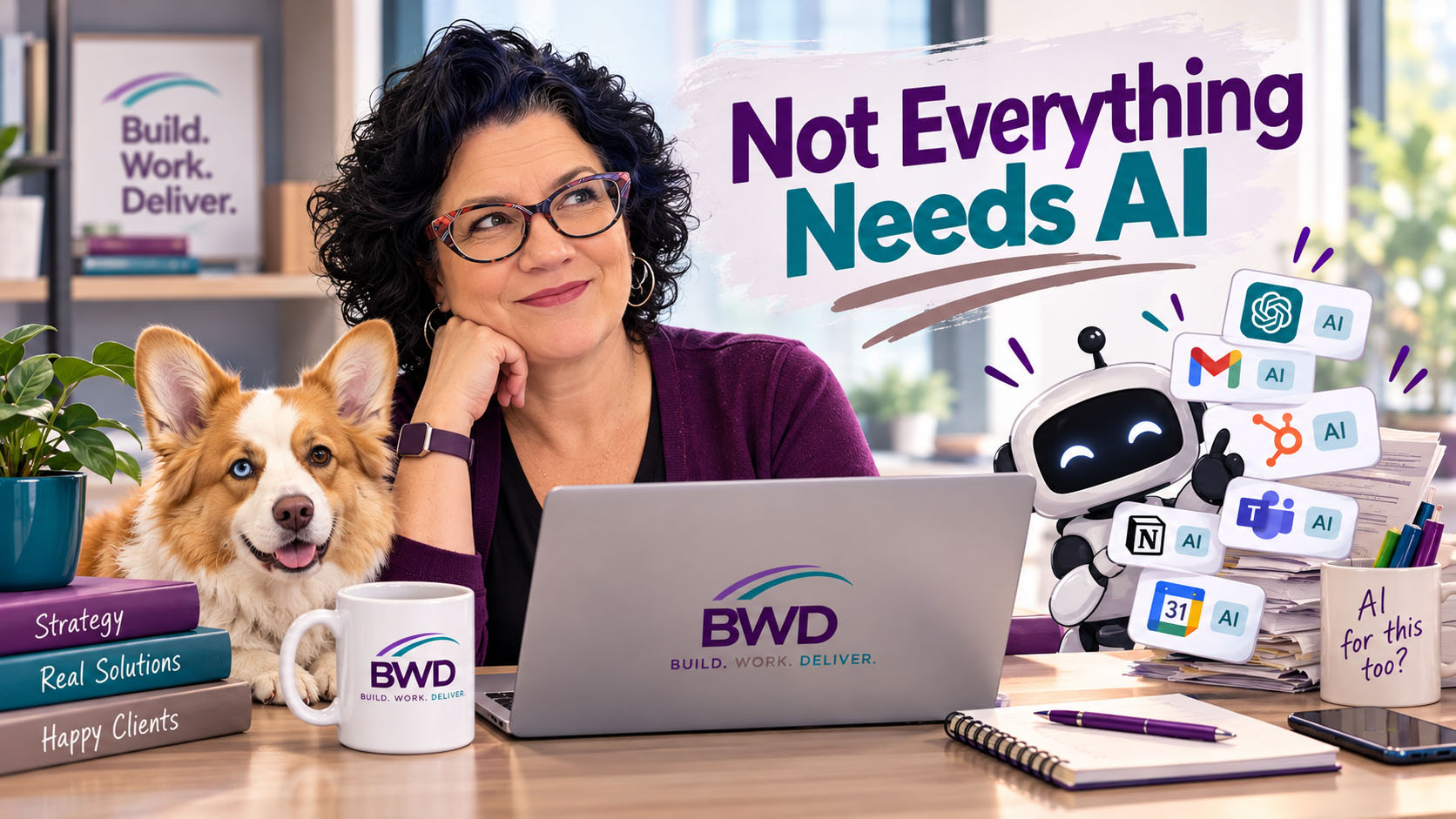
Have you noticed? Every app you open now has an AI button.
Your email has one. Your CRM has one. Your word processor, your calendar, your project management tool — they all want to “help.” Some of them are actually decent. Others feel like they were bolted on so the product team could check a box that says “we have AI too.”
And right now, most of it is included. Free. Part of the plan you’re already paying for.
For now.
You can see the writing on the wall. Those data centers aren’t cheap to build or run, and somebody is going to pay for them. Eventually that “helpful” AI button turns into credits, add-ons, or a higher tier. When that happens, every one of us is going to have to decide whether it’s actually earning its spot.
So it’s worth asking the question now.
How do you know when to use AI?
A reporter asked a version of that question today, and it stuck with me.
Most people’s gut answer is, “I use AI when I don’t know how to do something myself.”
I think that’s backwards.
The better time to use AI is when it can help you with something you already have knowledge of — something you want to speed up, validate, or look at from a different angle.
My decision comes down to one question:
Do I have the foundational knowledge to know whether the answer I’m getting is real, makes sense, and can actually be applied?
If the answer is yes, AI is a fantastic tool. If the answer is no, AI is just a faster way to be confidently wrong.
How I actually use it
I use AI in my work every day. I’ve been using it for about four years now. It speeds things up. It checks my work. It helps me look at a problem in a way I might not have considered.
But it’s not the last word.
There are plenty of times I push back. I’ll tell Claude or ChatGPT, “That doesn’t look right, check again.” Or, “Update your knowledge — there have been recent changes.”
And at least half the time, the response I get back is some version of, “You were right to push back.”
Think about that for a second. Half the time. If I didn’t already know the subject well enough to catch it, I would have taken the first answer, handed it to a client, and never known the difference — until something broke.
The time AI tried to total my car
This one is personal.
When my neighborhood flooded, my MINI stalled crossing a flooded intersection. The insurance company’s predictive system took one look at the claim — flood water plus a stalled engine — and flagged it as a probable total loss. Nobody had actually looked at the car.
But something didn’t add up. The car restarted. The cabin was dry. The engine bay was dry.
So I pushed back and asked for a mechanic to inspect it before anyone made a decision. No water in the oil. Spark plugs clean. The final bill? About a $4,000 repair.
My pushback saved the insurance company more than $25,000 in replacing my car. And I got to keep a car I really like.
To be fair, the AI wasn’t crazy to flag it. Flood plus stall is a real pattern, and it’s usually right. What it couldn’t do was see the details that didn’t fit the pattern. That took a human who knew what she was looking at.
Two examples from this morning
Example one: knowing where my wheelhouse ends.
A client asked me to do some API work. That’s clearly outside my wheelhouse, but I had AI help me look at it anyway.
The AI gave me answers. It gave me a process. It all looked very reasonable.
And my honest conclusion was: I don’t have the knowledge to know whether any of this is accurate.
So I told the client exactly that. For this one piece, they’re going to need a developer.
That’s not a failure. That’s the job. Pretending AI made me an API developer overnight would have been the failure — and my client would have been the one paying for it.
Example two: “the results don’t look right.”
Another client came to me with, “I’m trying to create this report. I asked Breeze, but the results don’t look right.”
To be fair, they did the right thing — they noticed something was off and asked. But that’s exactly my point. Building the right report depends on knowing how the data is structured, what the properties actually mean, and what the correct output should look like. If you don’t have that foundation, you can’t tell whether the AI got it right. You’re just hoping.
And hope isn’t a reporting strategy.
It’s not just me — it’s in the news
These aren’t hypotheticals. Some of the most public AI mistakes of the last few years happened to people and companies who should have known better:
— An airline’s chatbot invented a refund policy. A grieving passenger asked Air Canada’s chatbot about bereavement fares, and it told him he could book now and claim the discount within 90 days. The real policy didn’t allow that. Air Canada argued in front of a Canadian tribunal that the chatbot was responsible for its own words. The tribunal didn’t buy it and made the airline pay. (source)
— Lawyers cited court cases that didn’t exist. In 2023, two New York attorneys filed a brief with six case citations ChatGPT made up. A federal judge fined them $5,000. One of them had even asked ChatGPT whether the cases were real — and it said yes. (source)
— A newspaper recommended books nobody wrote. In May 2025, the Chicago Sun-Times ran a syndicated summer reading list where 10 of the 15 books didn’t exist. Real authors, fake titles. The freelancer behind it admitted he didn’t check the chatbot’s work. (source)
— A Big Four firm refunded the government. Deloitte Australia agreed to partially refund a AU$440,000 government report after a researcher found a fabricated quote from a federal judge and references to research papers that don’t exist. (source)
Notice the pattern. In every case, the AI sounded confident. In every case, the output looked professional. And in every case, it took someone who actually knew the subject to catch it — usually after the damage was done.
A quick gut check before you hit the AI button
Before you hand a task to AI, ask yourself:
— Would I be able to spot a wrong answer?
— Could I explain why the answer is right?
— Would I put my name on the result?
If you can’t say yes to all three, that’s not a task for AI. That’s a task for someone with the expertise — or a sign it’s time to go build that expertise yourself.
AI everything? No thanks.
I’m not anti-AI. I use it constantly, and it makes me better at what I do.
But it makes me better because I bring the foundation. It sharpens what I already know. It doesn’t replace it.
AI is no substitute for brain power and expertise. And there’s no need to AI everything.
Teajai “TJ” Kimsey has been in digital marketing for 25+ years and has used AI in her daily work for four of them — long enough to know when to push back. She holds AI for Business certifications from the Wharton School at the University of Pennsylvania and is a certified HubSpot Solutions Partner running BWD LLC, a fractional HubSpot admin practice for small to mid-size B2B companies. With Upwork Top Rated Plus status (top 3% worldwide), TJ works directly with every client — no account handoffs, no junior staff. View her portfolio or get in touch to talk through where AI actually belongs in your HubSpot setup.
Does your team actually know the difference, and does your setup match how deals really get worked?
Get in Touch