Before You Connect AI to HubSpot, Decide Who Holds the Keys
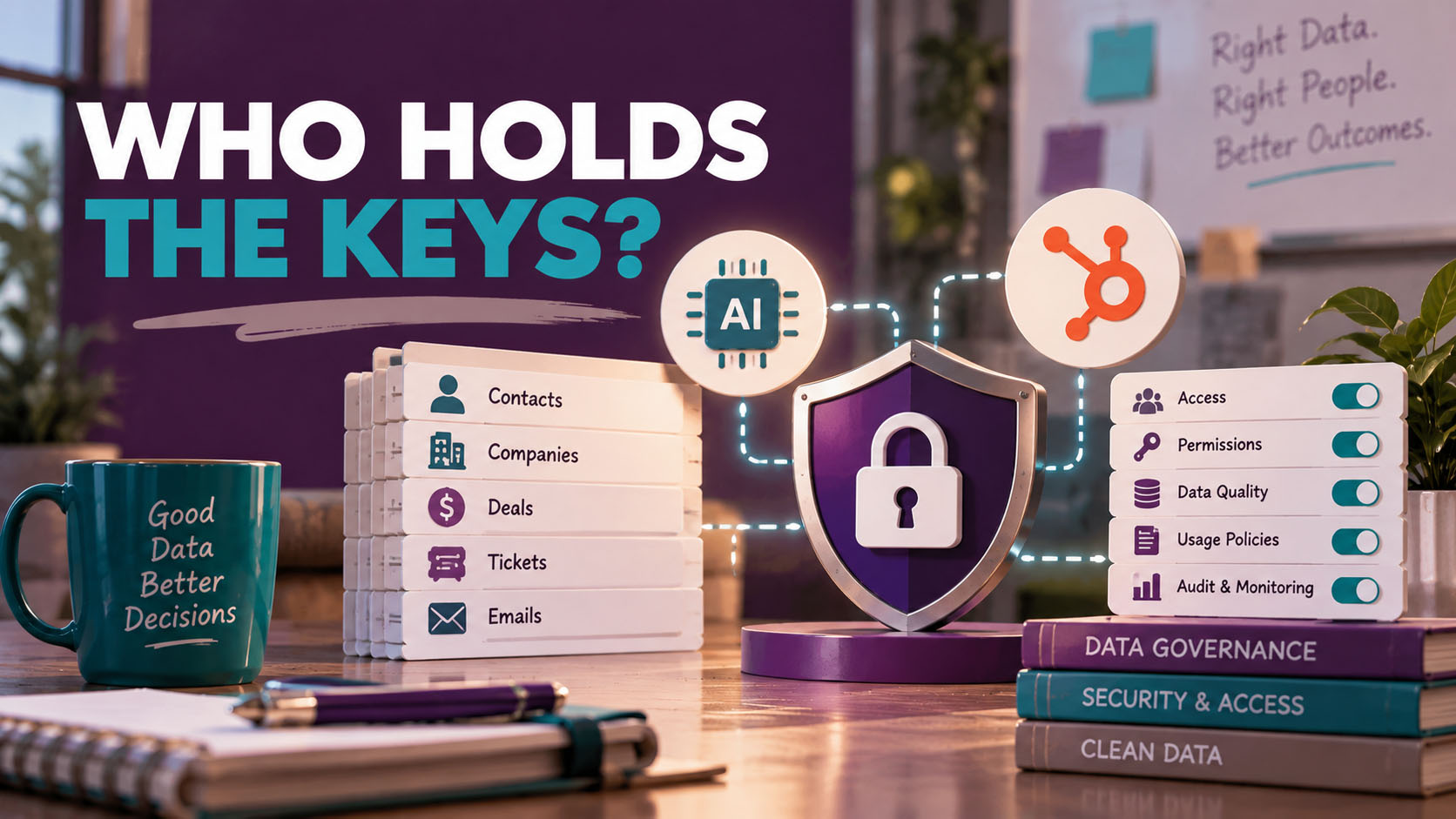
Have you seen the little notification in HubSpot yet? Connect Claude. Connect ChatGPT. More connectors are on the way.
One of my clients saw it last week and brought it to our weekly call. His question was simple: “Is that safe?”
Well, it’s the right question to ask. Most people don’t. They click Connect, approve whatever permissions pop up on the screen, and start asking the AI about their pipeline.
So, is it safe? My answer was yes and no.
Connecting AI to your CRM isn’t dangerous on its own. But you are opening a door between your customer data and an outside tool. And before you open a door, somebody ought to decide who gets a key and what they’re allowed to carry out.
The door got a lot bigger this year
A year ago, connecting AI to HubSpot mostly meant letting it look around. It could read your data and answer questions about it. That was about it.
That’s not where we are anymore. In April 2026, HubSpot made its MCP server generally available, which is the plumbing that lets AI tools talk to your CRM. Write access was built in from the start, and it has kept growing since. As of HubSpot’s October documentation, the Claude connector can create and update contacts, companies, deals, and tickets. It can log calls, notes, and tasks. It can create segments, marketing emails, blog posts, and landing pages. The ChatGPT connector has a similar list, a little shorter. Both can read your full history of emails, calls, and meetings.
There are limits. Neither one can delete anything, and bulk changes are capped at 10 records at a time.
None of that is bad! Some of it is genuinely useful. And new permissions don’t switch on by themselves. A Super Admin has to approve them, and each user has to reconnect. But think about what that means. Every one of those moments is a permission screen, and permission screens are exactly where people click “Allow all” without reading.
The July lesson: defaults decide
Want proof that defaults matter? Look at what happened with HubSpot itself this summer.
On July 1, HubSpot updated its terms so that contact enrichment data in customers’ CRMs could be pooled and shared with other HubSpot customers. Everyone was opted in by default. If you wanted out, you had to find three separate settings.
You can probably guess how that went over. Customers took to LinkedIn, and they were loud about it. The data they’d spent years building could end up helping a direct competitor. Within about four days, HubSpot reversed course and said any future data sharing would be opt-in.
I’ll give HubSpot credit for listening. But the lesson is worth holding onto. It’s a bit like moving into a new house and finding out the landlord quietly handed out copies of your key. The vendor sets the default. And if nobody at your company is paying attention, the default becomes your policy.
Who can connect, and who decides?
So who actually gets to open this door? Here’s how HubSpot’s controls work for the Claude and ChatGPT connectors today.
First, Super Admins and anyone with App Marketplace access can connect without asking anyone. Everyone else needs a Super Admin to approve the connector first, and during that approval the Super Admin picks which data the connector can reach and who is allowed to install it.
Second, the AI only sees what the person sees. If a sales rep can only view their own deals in HubSpot, that’s all Claude will show them too.
Third, you can take it back. A Super Admin can uninstall the app for specific people or revoke it for everyone. And there’s a paper trail. HubSpot’s audit log shows who connected and when, and for Claude, every record it creates or updates is logged under both the person and the connector.
Now here’s the line in HubSpot’s documentation that made me sit up. If outside agencies or consultants in your account have Super Admin or App Marketplace access, they can connect these tools too.
I’m one of those consultants, so let me be upfront. My AI is connected to my own HubSpot account, never a client’s. When I need to see something in a client’s account, I ask them for a screenshot or an export. But don’t take my word for it, or anyone else’s. Go look at who has that level of access in your account. Partners, a former agency, the contractor from two years ago. If they still have the keys, they can still open the door.
What the AI company does with your data
This is the question I get asked most. Is the AI learning from my customer data? Well, it depends on which plan you’re paying for.
| Business plans | Personal plans | |
|---|---|---|
| Claude | Team, Enterprise, and API: not used for training | Free, Pro, and Max: your choice, set under “Help improve Claude” in Privacy Settings |
| ChatGPT | Business, Enterprise, and Edu: not used for training by default | Free, Plus, and Pro: on by default; turn off “Improve the model for everyone” under Data Controls |
There’s a little more fine print, too. For Claude, HubSpot says Anthropic doesn’t train on data shared through the connector unless the person has opted into training or sends feedback. For ChatGPT personal plans that haven’t opted out, HubSpot says OpenAI may use connector data to improve how the connector works, though not for general model training.
So what does that mean for you? If someone on your team is connecting HubSpot to a personal $20-a-month AI account, the settings on that account matter. Find out which plans your people are using before you approve anything.
The risk inside your own walls
Training policies get all the headlines. But the risk most people overlook is a lot closer to home.
Think about what a connector actually does. It makes it fast and easy to pull data out of your CRM. You ask a question, you get a neatly organized answer, and you can copy it anywhere. That’s the whole point of the tool. It’s also exactly what someone would want if they were planning to walk your contact list over to a competitor.
I told my client the same thing I’ll tell you. Your top rep is probably trustworthy. But a new coordinator or SDR in their second week? They don’t need that kind of access yet. Let people earn it, the same way you’d hand out any other key to the building.
Keep a human between the AI and your records
This is the part I care about most. AI is fast, and it sounds sure of itself. It is not always right. And now that it can write to your CRM, a wrong answer doesn’t just sit in a chat window. It lands on a record.
HubSpot agrees, by the way. Its own documentation for both connectors says to have a human review the output, to never rely on AI for important decisions, and to start with a single record before making bulk changes.
The most important setting is one most people never touch. In your connector settings, set Write tools to Needs Approval. HubSpot recommends it. If it’s left on “Always allow,” the AI can make changes without asking anyone.
There’s one more thing worth knowing. According to HubSpot, the ChatGPT connector doesn’t apply your custom validation rules, like the fields your team requires before a deal can move stages. Claude applies most of them, but not all. The checks you count on in the HubSpot screen may simply not be there.
So the human in the loop isn’t a formality. It’s the control.
Before you click Connect
So where do you start? It’s simpler than it sounds.
First, find out who has Super Admin and App Marketplace access in your account, and trim that list down. Outside agencies and old contractors are the usual surprises.
Next, decide who on your team actually needs the connector. Start with the people who know the system and the data best, and only approve the permissions you need. Read access is a fine place to begin. Add write access when there’s a clear reason for it.
Then, ask which AI plans your people are using. If anyone is on a personal account, make sure training is turned off. And set Write tools to Needs Approval so every change gets a human yes.
Finally, don’t set it and forget it. Check the audit log regularly, not just the first week. And every time HubSpot adds a new capability, treat it as a new decision, not an automatic yes.
The bottom line
I’m not anti-AI. I’ve been using it in my work for four years, and I’d have a hard time giving it back.
But connecting AI to your CRM is a data governance decision, not a settings toggle. The tools are going to keep getting more capable. The vendors are going to keep adjusting the defaults. Somebody at your company has to be the one paying attention.
Treat it the way a bank treats access to customer records. On purpose, with clear rules, and with a human who signs off.
Already connected? Then read the next one: You Connected Claude to HubSpot. Now What?
About the author
Teajai Kimsey is the owner of BWD, LLC and a Gold HubSpot Solutions Partner with more than 25 years in digital marketing. She helps small and mid-sized businesses build HubSpot systems that match how their teams actually work. She holds AI for Business certifications from Wharton and has been using AI in her client work for four years, always with a human checking the results.
AI is not always right.
AI Governance Questions & Answers
Does Claude train on my HubSpot data?
On business plans (Team, Enterprise, and the API), no. On personal plans (Free, Pro, and Max), it’s the user’s choice, set under “Help improve Claude” in Privacy Settings. HubSpot says Anthropic doesn’t train on data shared through the connector unless the user opts into training or sends feedback.
Does ChatGPT train on my HubSpot data?
On ChatGPT Business, Enterprise, and Edu, connector data isn’t used for training. On Free, Plus, and Pro, training is on by default, and you can turn it off under Data Controls by switching off “Improve the model for everyone.” If it’s left on, HubSpot says OpenAI may use connector data to improve how the connector works, though not for general model training.
Who can connect AI to our HubSpot account?
Super Admins and anyone with App Marketplace access can connect without approval. Everyone else needs a Super Admin to approve the connector first. That’s why it’s worth checking who has those permissions in your account.
Can our agency or consultant connect AI to our HubSpot?
Yes, if they have Super Admin or App Marketplace access in your account. HubSpot’s own documentation says so. Review who has that access, and check the audit log for connections.
Does the AI see everything in our CRM?
No. It sees what the person who connected it can see. If a rep can only view their own deals in HubSpot, that’s all the AI will show them. And if your account has Sensitive Data turned on, the connectors can’t reach your engagement data at all.
Can an AI connector delete my HubSpot records?
Not today. The Claude and ChatGPT connectors can create and update records, but they can’t delete them. Bulk changes are limited to 10 records at a time.
Can the AI change records without anyone knowing?
It can change records without asking if Write tools is set to “Always allow.” That’s why HubSpot recommends setting it to Needs Approval. Either way, changes made through the Claude connector show up in HubSpot’s audit log under both the person and the connector.
Can I take away someone's access after they connect?
Yes. A Super Admin can uninstall the app for specific people or revoke its approval for everyone, under Connected Apps in your HubSpot settings.
Get in Touch