You Connected Claude to HubSpot. Now What?
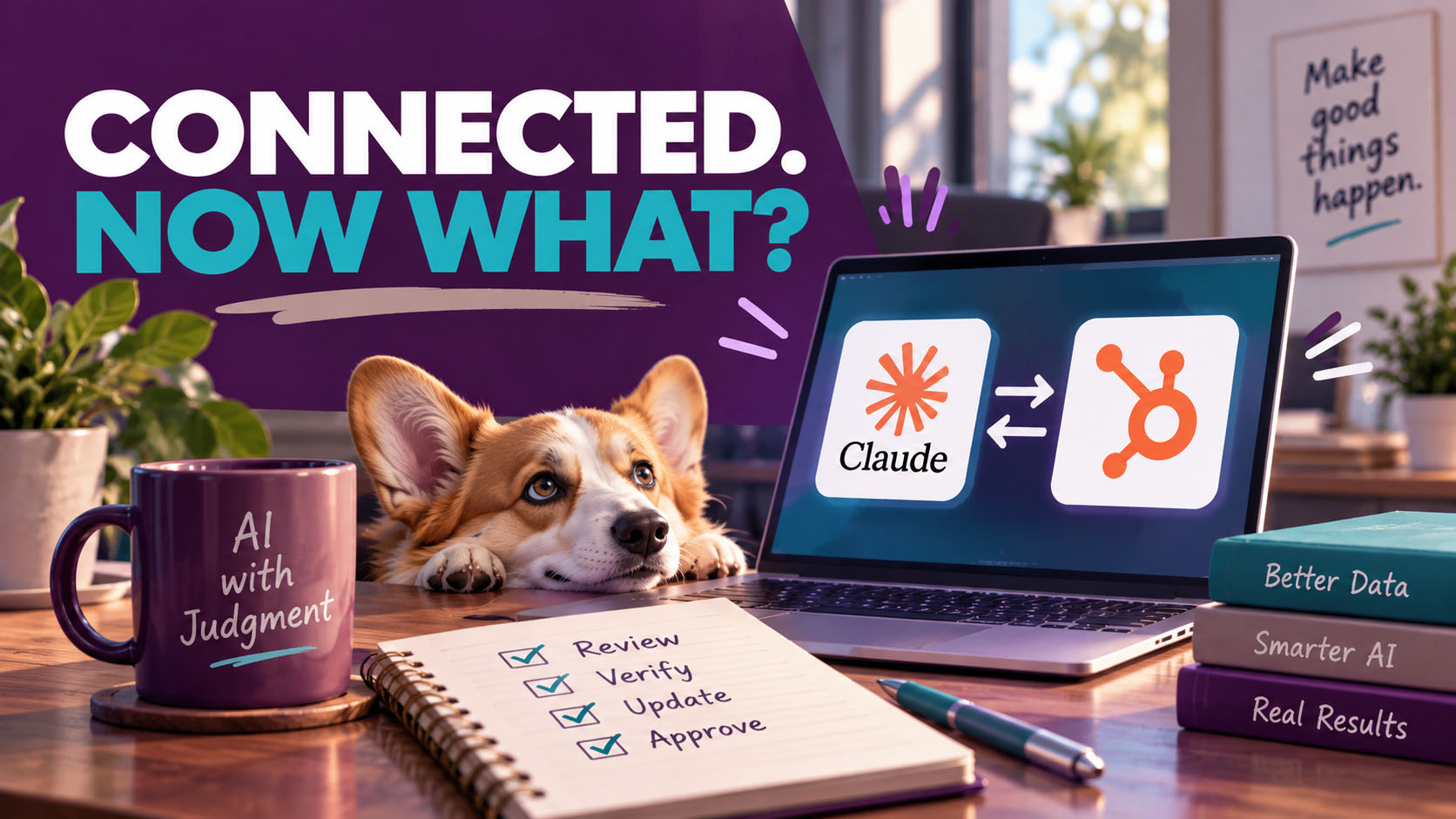
So you connected Claude to your HubSpot. Now what?
One of my clients saw it last week and brought it to our weekly call. His question was simple: “Is that safe?”
Well, it’s the right question to ask. Most people don’t. They click Connect, approve whatever permissions pop up on the screen, and start asking the AI about their pipeline.
So, is it safe? My answer was yes and no.
Connecting AI to your CRM isn’t dangerous on its own. But you are opening a door between your customer data and an outside tool. And before you open a door, somebody ought to decide who gets a key and what they’re allowed to carry out.
(If you haven’t decided who should have access in the first place, start with my last post, Before You Connect AI to HubSpot, Decide Who Holds the Keys. If you’re already connected, read on.)
Where AI earns its keep
Let me start with the good news. I use Claude every day in my HubSpot work, and it’s very good at the tedious stuff. That’s where I lean on it hardest.
Take a messy prospect list. Claude, connected to a data source like Apollo, can go find the missing email addresses for me. It can split a “Full Name” column into First Name and Last Name, clean up the values, and hand me back a file that’s ready to import. It writes first drafts of sequence emails and subject lines to test. When I’m building a workflow, I’ll share a screenshot and ask, “Is this logic right? What am I missing?” And it’s great at looking at your data from a different angle. Ask it which referral partners have brought you the most deals and which of them you haven’t talked to in a while, and you’ll have an answer in about a minute.
Work on a list that used to take me hours now takes anywhere from 15 minutes to an hour. That’s real time back.
But notice what every one of those has in common. A person is still checking the result.
What it can do now, and what it still won’t
This changes fast, so here’s where things stand as of HubSpot’s October 2026 documentation for the Claude connector.
The list of what it can do has grown a lot this year. Claude can now create and update contacts, companies, deals, and tickets. It can log calls, notes, and tasks. It can create segments, marketing emails, blog posts, and landing pages. It works up to 10 records at a time, and it can’t delete anything.
So what’s left for you? Quite a bit, actually. It won’t run your import, because somebody still has to map the fields. HubSpot needs to be told that your “KDM Title” column is really Job Title, and that “HQ” belongs on the company record, not the contact. It won’t build your sequences or your workflows, either. HubSpot says so plainly: ask Claude for a workflow or an email campaign, and it hands you a draft to build yourself. And it won’t make the judgment calls. Should that property be a dropdown or free text? Should this person be enrolled at all? That’s knowing the system, not formatting the data.
I have a rule with my clients: show one, do one, teach one. So on that first call, I didn’t do the import for my client. She did it, and I walked her through it. We renamed the columns to match HubSpot’s properties. We created a Do Not Call checkbox. We skipped one dropdown field that would have fought us, because fixing it properly meant going back and unwinding the spaghetti first. In the end, 110 new records came in with zero errors.
The AI cleaned the list. The human knew where it belonged.
You have to know what good looks like
Here’s the part nobody puts in the demo. AI makes mistakes, and it makes them with total confidence. If you don’t know the system, you won’t catch them.
I see this almost every day. One client asked Claude for a report on traffic to his recent blog posts. It came back looking very organized, lots of tidy little lines, but something about it felt off and he couldn’t figure out why. Well, it was counting traffic sources per page instead of visits per page. It answered a question, just not the one he asked.
Another time, a client asked me to connect an outside system to HubSpot through an API. So I asked Claude, and it gave me a detailed, confident answer. But API work isn’t my foundation. I couldn’t tell whether the advice was right or wrong, so I didn’t run with it.
That second story matters more than the first. The answer may have been perfectly fine! I just had no way to know. And when you can’t judge the output, all you really have is a guess with nice formatting.
It’s the same reason kids still need to learn to write a paper without AI. If you never learn what good writing looks like, how will you recognize bad writing when a machine hands it to you?
If it doesn’t look right, push back
So what do you do when an answer feels off? Most people do one of two things. They accept it, because the AI sounded so sure. Or they give up on the tool altogether. Neither one is the right move.
The right move is to push back. When I’m building a workflow with Claude, it’s a conversation, not a vending machine. It suggests something, and I say, “Wait, that’s not right.” It corrects course. Sometimes that takes two or three rounds, and that back-and-forth is where the real value is.
So how do you push? First, ask where the number came from. “Which records did you use for that? Show me.” Then go open a couple of those records in HubSpot and look for yourself.
Another good one is to restate what you actually asked. “I asked for visits per page, not sources per page.” A lot of wrong answers are right answers to a different question.
You can also make it check its own work. Ask it to walk you through its logic step by step, and ask where it might be wrong. Better yet, show it what you’re seeing. A screenshot of the actual screen settles a lot of arguments.
When it’s time to make changes, test small. Update one record before you update ten. HubSpot recommends the same thing.
Finally, if you’re still not sure, don’t ship it. Ask someone who knows the system, or do it by hand. That’s exactly what I did with that API.
Oh, and one more thing to watch for. If the AI flips its answer the second you question it, notice that too. An answer that folds after one question was never solid to begin with. Keep pushing until it holds up, and until you can explain it yourself.
Never let it run unsupervised
Here’s a story that stuck with me. Someone I know had an AI tool connected to his CRM at the same time an outside appointment-setting company was working those same records. The AI was renaming things. And because of that, the callers stopped seeing the full list they were supposed to be calling. Nobody caught it until the work had already slipped.
Why does this matter so much now? Well, think of it like handing your letters to the mailman. Once he has them, he’s off down the street, and you can’t take them back to fix a typo. Write access works the same way. A wrong answer in a chat window is annoying. A wrong change on a record keeps going, quietly, until someone trips over it.
Then there’s drift. One day the AI is doing one thing slightly wrong. The next day it’s five things. Then ten. If you only checked it the first week, you’ll never see where it went off track.
So what keeps it honest? Set Write tools to Needs Approval in your connector settings, so every change gets a human yes. HubSpot recommends it. Then actually read what it’s about to change before you approve it, every time, not just the first few. Check the audit log, where HubSpot records every change made through the Claude connector. And every so often, open a few records yourself and make sure they say what they should.
The bottom line
AI doesn’t replace knowing your system. It speeds up the person who already knows it. Hand it to someone who doesn’t, and you’ll just get to the wrong answer faster.
So use it! Let it take the tedious work off your plate. But never trust it to do it all for you. Keep a person who knows what good looks like between the AI and your records. And when something doesn’t look right, don’t let it slide. Push back until the answer holds up.
Common sense, right? You’d be surprised how often it gets skipped.
About the author
Teajai Kimsey is the owner of BWD, LLC and a Gold HubSpot Solutions Partner with more than 25 years in digital marketing. She helps small and mid-sized businesses build HubSpot systems that match how their teams actually work. She holds AI for Business certifications from Wharton and has been using AI in her client work for four years, always with a human checking the results.
Human confirmation is key to successful use of AI
Get in Touch