Before You Renew HubSpot, Look at What You’re Actually Using
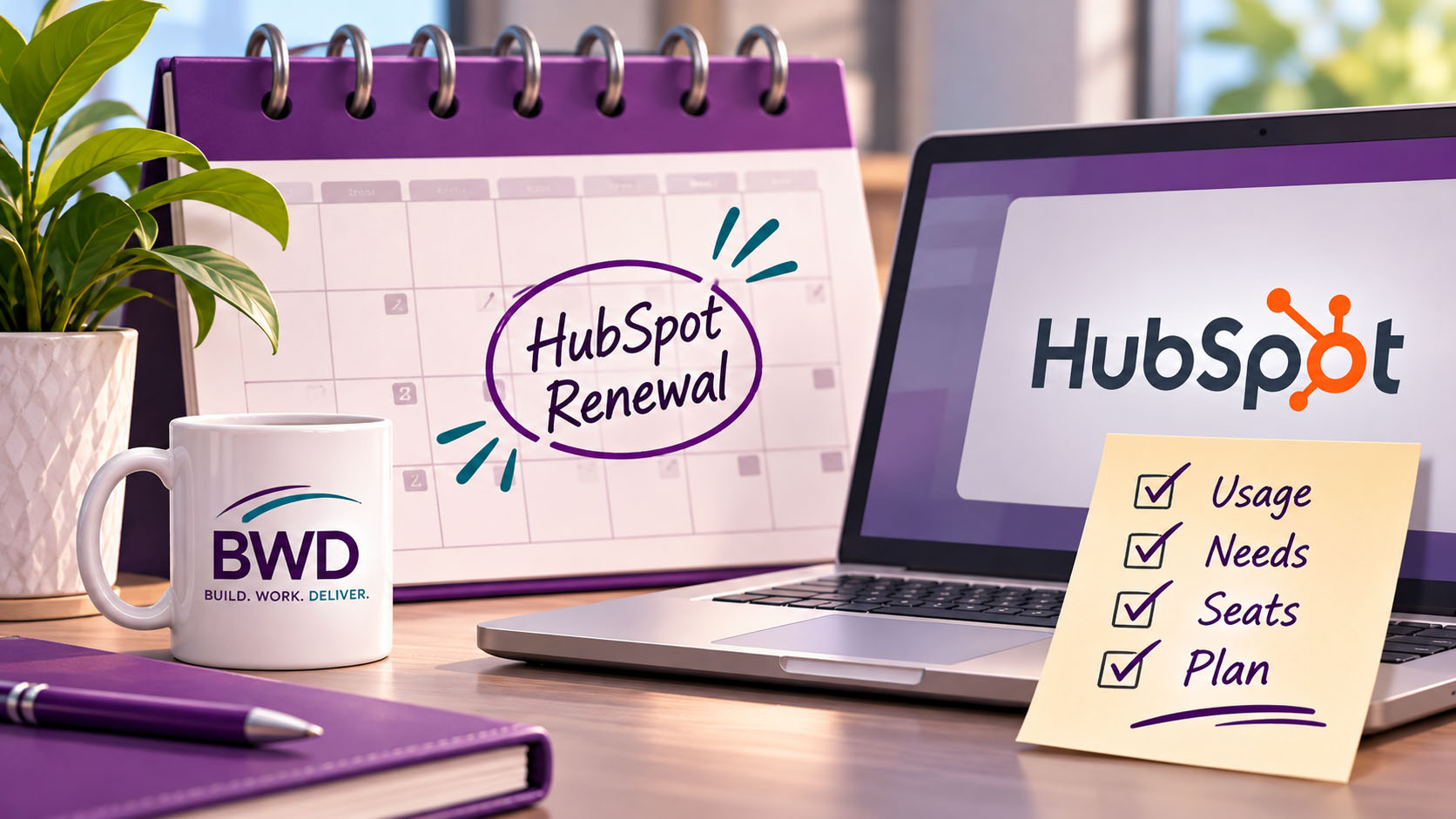
When the HubSpot renewal notice shows up, most companies do one of two things.
They sign it, or they flinch and then sign it.
Either way, the question that matters rarely gets asked: what are we actually using?
I see this all the time. A company bought HubSpot with a plan in mind. Then the plan changed. The people changed. Some features got built out, some never got touched, and a few outside tools crept in along the way to do jobs HubSpot could have done. Then the renewal comes around, and the same subscription rolls forward for another year, usually with an add-on or two stacked on top.
Renewal is the one moment each year when the cost is sitting right in front of you. That makes it the best time to take an honest look. Not an audit, and not a blame session. Just a clear review of what’s working, what isn’t, and what you’re paying for either way.
So, how do you do that? Well, here’s how I approach it.
Start with what’s working
This sounds backwards, but it isn’t. If you open a renewal review by hunting for waste, everyone gets defensive, and the parts of the system that are earning their keep get lost in the noise.
Start with the good news instead. Which reports does leadership actually open? Which workflows save someone hours every week? Which pipeline does the sales team trust?
One B2B software company I worked with was running its forecasting out of Excel when I came in. After we rebuilt the reporting, sales, customer success and finance were all working from the same HubSpot dashboards every day, right down to recurring revenue and renewal velocity. Getting three teams to trust one source of data is rare. That’s the part of their subscription worth protecting at renewal, and the part worth building on next year.
Then look at what nobody is using
Every portal I walk into has some of this. Seats assigned to people who left months ago. Features bought for a campaign that never launched. A higher tier purchased for one capability that never got set up.
None of this is anyone’s fault. Businesses change faster than subscriptions do. But a seat nobody logs into costs the same as a seat someone lives in, and HubSpot isn’t going to send you a reminder about it.
A few plain questions go a long way here. Who actually logs in, and how often? What did we upgrade for, and are we using it? Is there anything on the invoice nobody on the team could explain? If nobody can say what a feature is for, that’s your answer.
Look for what you’re paying for twice
This one hides well. Somewhere along the way, a team picked up an outside tool to solve a problem: a scheduling app, a form builder, a separate email tool, a spreadsheet that quietly became the “real” forecast. HubSpot may already do that job, and you’re paying for it in your subscription whether you use it or not.
Spreadsheets count, by the way. They never show up on an invoice, but they cost staff time, and they pull the truth out of your CRM. That software company wasn’t paying for a forecasting tool. They were paying people to rebuild a forecast in Excel, using numbers HubSpot already had.
Sometimes the outside tool really is the better fit, and that’s fine. The point is to decide on purpose instead of by accident.
Clean up the data before you sign for another year
Messy data has always cost money. It just used to be quiet about it.
Duplicates are the easiest example. That same software company had more than 500,000 duplicate contacts, created by an integration that a new development team didn’t know was misfiring. A regional mortgage lender I worked with had a similar problem: their loan system was firing multiple syncs per loan, creating duplicate records that sat outside every report. In both cases, the duplicates explained why the reports never matched reality.
There’s a direct cost, too. Marketing Hub is priced on marketing contacts, so if those duplicates are marked as marketing contacts, every copy counts toward your tier.
And this is about to matter more. HubSpot already uses credits for its AI features, and it’s testing a new model with new customers in Europe that sells seats plus credits instead of separate hubs. US customers aren’t affected yet. But the direction is clear: more of what you pay will depend on how much work the system does. A clean portal runs efficiently. A messy one makes every workflow and AI feature work harder on bad data, and under usage-based pricing, that shows up on the bill.
Getting your “ducks in a row,” as one client put it, is the best thing you can do before you renew.
“Teajai knows her stuff when it comes to Hubspot! We are grateful to have worked with her to get our ducks in a row…” Ashley Nance, Director of Marketing, Cables & Kits
Make the renewal a planning session
When a renewal is treated as a signature, you get last year’s system again at this year’s price. When it’s treated as a planning session, you get to line up the subscription with how the business actually runs now.
That’s how I handle renewals with my own clients, too. Before we renew services, we look at what’s working, what changed this year, and where the portal needs attention next. Sometimes that means more support. Sometimes it means less, because the system is in good shape and the team has it handled. Either answer is a good one.
“TJ has been a key player in helping us get the most of our HubSpot account…” Kacie Finch, Sales Manager, The Greenwich Tent Company
Common sense, right? Yet most companies renew without looking. If yours is coming up in the next 90 days, now is the time.
About the author
Teajai Kimsey is the owner of BWD, LLC and a Gold HubSpot Solutions Partner with more than 25 years in digital marketing. She helps small and mid-sized businesses build HubSpot systems that match how their teams actually work. She holds AI for Business certifications from Wharton and has been using AI in her client work for four years, always with a human checking the results.
A renewal audit can assure you get the most out of your HubSpot subscription.
FAQ About HubSpot Renewals
When should I start reviewing my HubSpot renewal?
Sixty to ninety days out is a good window. That gives you time to look at usage, clean up data, and decide on seats and tier before anything locks in. Check your agreement for notice deadlines, too. Subscriptions renew automatically, and some changes have to be requested before the renewal date.
Can I change seats or my tier at renewal?
In most cases, renewal is when changes like removing seats or moving to a different tier take effect, which is exactly why it’s worth reviewing ahead of time. The specifics depend on your contract, so read it or ask your HubSpot rep before you assume anything.
What is a HubSpot renewal audit?
It’s a structured look at your portal before you renew: what’s working, which seats and features are actually used, which outside tools overlap with what HubSpot already does, and where data problems are costing you. You come out of it with a clear recommendation on what to keep, what to drop, and what to fix.
Can a HubSpot partner help with my renewal?
Yes, and this is work I do. As a Gold HubSpot Solutions Partner, I can run the renewal audit and then advocate for you in the renewal conversation. That means helping you explain what your team actually needs, questioning add-ons you don’t, and making sure the subscription fits how your business runs now. Pricing decisions are HubSpot’s, but you’ll walk in knowing exactly what to ask for.
Do I need to be an existing client?
No. A renewal review is a good place to start working together, and it often surfaces the handful of fixes that make the biggest difference.
Will HubSpot's new credits pricing affect my renewal?
Not yet, if you’re in the US. HubSpot is testing seats plus credits with new customers in Europe, and it hasn’t given a timeline for moving existing customers. HubSpot already uses credits for its AI features, though, so a clean portal is worth having now, before more of the bill depends on usage.
Get in Touch