The Most Expensive HubSpot Setup Is the Free One
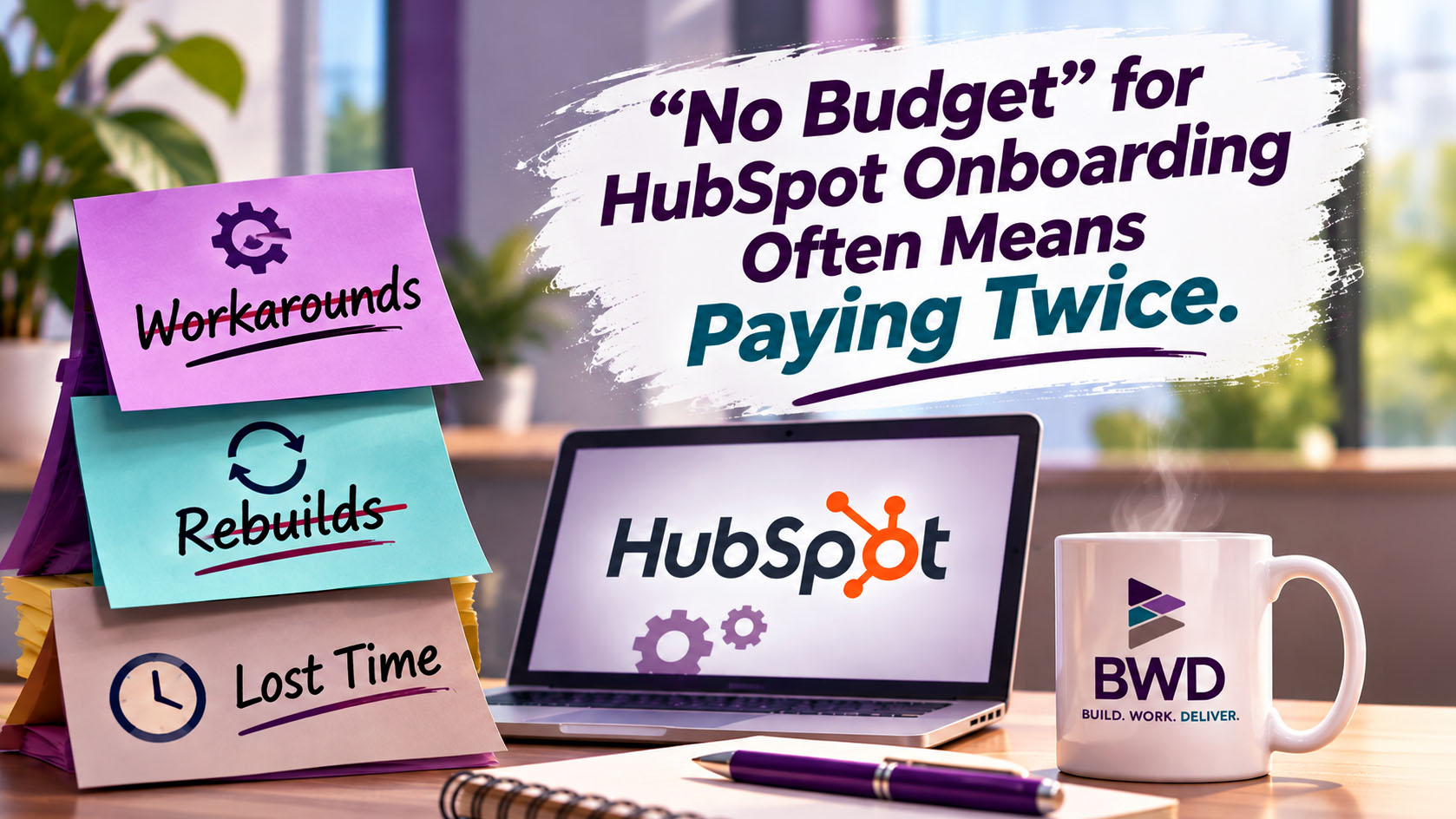
DIY HubSpot Onboarding: Why “No Budget” Costs More
A vendor email landed in my inbox this week with a story I think a lot of us know. Early in her career, the writer worked somewhere with “no budget” for design software, stock images or an email platform. So she found workarounds: free tools, hours of searching, an old server that took all afternoon to send one newsletter.
Her point stuck with me. The company wasn’t saving money. It was paying her to do everything the slow way, week after week. The software would have been a one-time cost. Not having it was a cost that never stopped.
I see the HubSpot version of this all the time.
“We’ll just set it up ourselves”
It sounds responsible. You’re a small team, money is tight, and HubSpot has a whole academy full of free training. Why pay someone to set it up?
And honestly, I don’t blame anyone for trying. But the bill still comes. It just comes later and in pieces. First there are the hours your team spends building. Then there are the months of working inside a system that doesn’t quite fit. Then, in a lot of the portals I’m called into, there’s the cost of undoing all of it before the real setup can start.
That’s paying twice. Sometimes three times.
HubSpot speaks its own language
Every business has its own vocabulary. You have “jobs” or “accounts” or “hot leads” or “repeat clients.” Those words mean something specific to your team, and they should.
HubSpot has a vocabulary too. Contacts, companies, deals, pipelines, lifecycle stages, lead status, properties. Each of those words means something specific to the system, and everything HubSpot does depends on those meanings: reporting, automation, forecasting and, more and more, AI.
When teams set up HubSpot on their own, the problem is rarely laziness or carelessness. It’s translation. They know their business inside and out, so they bring their own language and make HubSpot speak it. They make the system fit the way they talk instead of learning how the system talks.
The square peg goes in the round hole. It mostly fits. Until it doesn’t.
What it looks like in the wild
These are the patterns I run into over and over, at companies of every size.
Lifecycle stages used to track deals. Lifecycle stage describes a person’s overall relationship with you: lead, qualified lead, opportunity, customer. It’s designed to move forward. It was never meant to track each individual sale. So when your sales process lives in lifecycle stages, your second and third sale to the same customer have nowhere to go, and your reports can’t tell a new buyer from a returning one. That’s what the deal pipeline is for.
Tasks standing in for lead stages. Someone creates a task called “Left voicemail” or “Waiting on proposal” to show where a lead is. It works, sort of, until the task gets checked off and the information disappears with it. Tasks are to-dos. They aren’t a status. Now your lead’s status is buried in a to-do list nobody can report on.
Contact views pretending to be a pipeline. A saved view for “Proposal sent,” another for “Negotiating,” another for “Closed.” It looks like a pipeline. Then someone asks what’s likely to close this quarter, and there’s no amount, no close date and no forecast. The view shows you a list of people, not your revenue.
Properties doing jobs they weren’t built for. A text field on the contact record holding dollar amounts. A dropdown with forty options because nobody wanted to delete the old ones. Three different properties that all mean “lead source” depending on who created them.
Every one of these made sense to the person who built it. That’s the hard part. Nothing here is a dumb decision. It’s a reasonable guess made without knowing HubSpot’s grammar.
Why undoing costs more than doing
Starting from a clean slate is easier than unbuilding. When I’m called into a portal like this, the work isn’t only setting things up correctly. It’s untangling what’s already there:
The data has to be moved from where it ended up to where it belongs. The workflows built on the workaround have to be unwound so they don’t break when the workaround goes away. The reports people have trusted for a year have to be rebuilt, and someone has to explain why the numbers changed. And the team has to unlearn habits they’ve had since day one.
Then there’s the cost nobody puts on an invoice: every decision made along the way using reports that weren’t telling the truth.
So instead of paying for onboarding once, the company paid for not having it, every week, until the system finally had to be fixed.
You don’t need a new process. You need a translator.
Here’s what I’ve learned after more years than I’d like to count: most teams don’t need someone to invent a process for them. They already have one. It’s on a whiteboard, in a spreadsheet, or in the head of the person who’s been there longest.
What they need is someone who speaks both languages. Someone who can listen to how you actually work and say it back in HubSpot terms. Your “hot lead” is a lead status. Your “job” is a deal. Your “repeat client” is a company with several deals attached. Your “we follow up in three days” is a sequence or a task, depending on who should own it.
That’s the job. Listen first, then map it. Build only after the translation is done.
If the budget really is tight
I get it. Not every team can hire help on day one. If that’s you, here’s what I’d suggest:
Learn the language before you build. Spend time understanding what contacts, companies, deals and lifecycle stages are actually for. Do that before you create your first custom property. If you can afford a little help, put it at the front of the project, not the end: one mapping session before you build can save months of rework. And if you’ve already built it yourself and something feels off, get an outside look before you build anything else on top of it.
“No budget” is still a budget decision. It just shows up later, on a different line.
About the author
Teajai Kimsey is the owner of BWD, LLC and a Gold HubSpot Solutions Partner with more than 25 years in digital marketing. She helps small and mid-sized businesses build HubSpot systems that match how their teams actually work. She holds AI for Business certifications from Wharton and has been using AI in her client work for four years, always with a human checking the results.
“No budget” is still a budget decision. It just shows up later, on a different line.
Get in Touch