Deal Split vs. Deal Collaborator: You’re Probably Using the Wrong One
You’re Probably Using the Wrong One
A client called me last month convinced her CRM was broken. Two reps had worked a deal together, closed it together, and split the work right down the middle. But her forecast report showed one rep getting credit for the entire amount and the other getting nothing.
Nothing was broken. She had a Deal Collaborator when what she needed was a Deal Split.
These two features sound like synonyms. They’re not. And mixing them up doesn’t just cause a reporting headache — it can quietly mess with commission conversations, quota attainment, and how much your team trusts the numbers in front of them.
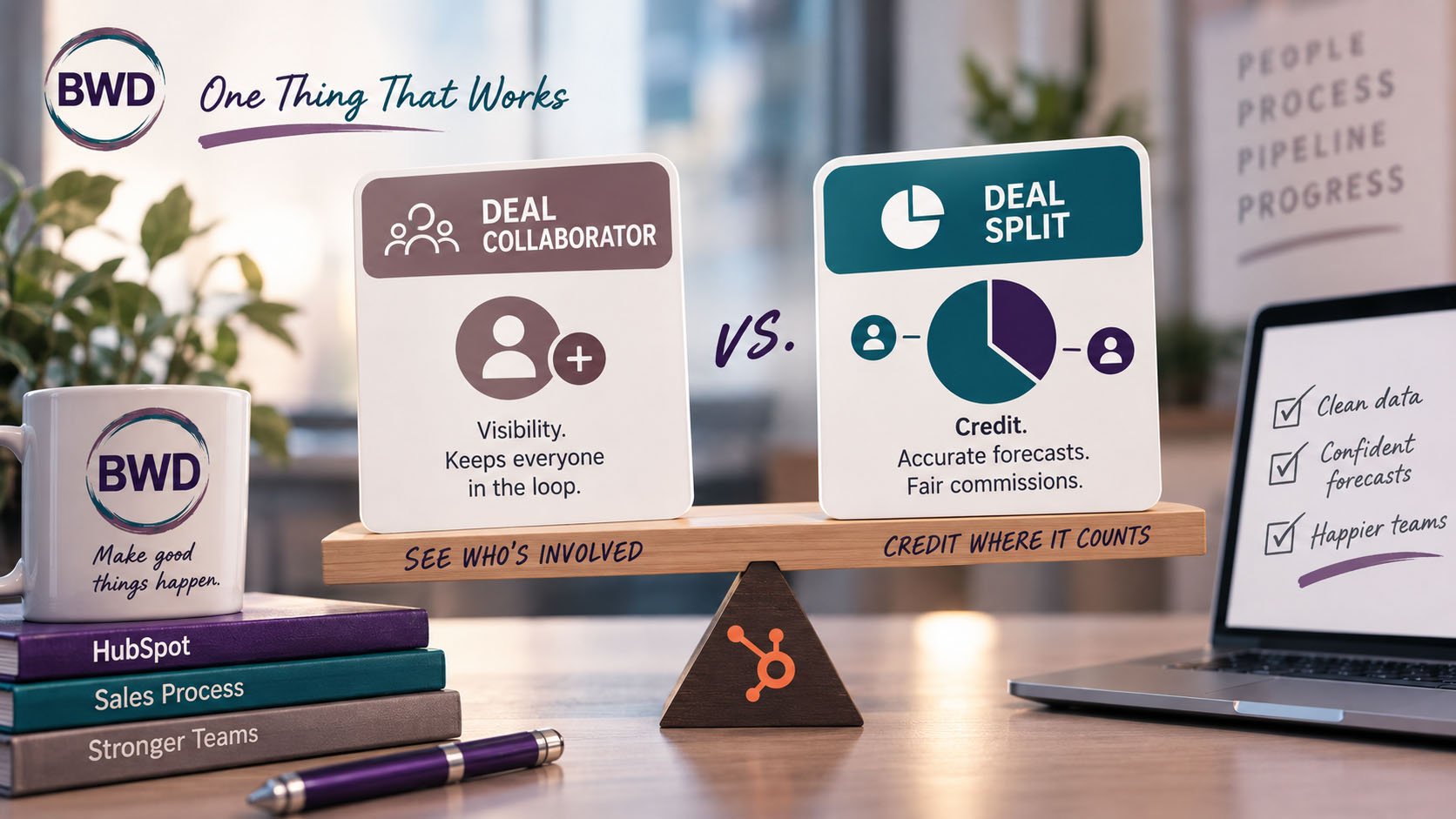
Deal Collaborator is visibility. Deal Split is credit.
A Deal Collaborator is a default property on every deal. You add someone to it from the Collaborators card on the deal record, and it does exactly one thing: it tells HubSpot (and anyone looking at the deal) who else is involved. Collaborators can get notified about deal activity. They show up when someone’s trying to figure out who to loop in. That’s it. Adding a collaborator has zero effect on the deal amount, the forecast, or anyone’s commission number.
A Deal Split is a different animal entirely. It’s a Sales Hub Enterprise feature, and it has to be turned on — a Super Admin flips it on under Settings > Objects > Deals. Once it’s live, you can assign a percentage of the deal amount to each person involved. Two reps split a $10,000 deal 60/40? That’s a split. And unlike a collaborator, a split actually changes what shows up in the Forecast tool and in each rep’s quota progress. If your commission structure is tied to deal credit, the split — not the collaborator field — is what should be doing the work.
How this plays out depends on how your team actually works a deal
Most of the confusion I see traces back to the fact that “who touched this deal” looks different depending on your sales motion. Here’s how the two properties hold up across the three structures I run into most:
A rep working a deal solo. One person sources it, works it, closes it. Neither collaborator nor split does anything here — the deal owner gets full credit by default, no extra setup required. This is the baseline everyone assumes, right up until it isn’t the whole story.
Two reps co-selling as a team. This is the classic split scenario — an enterprise deal, a territory pair, someone covering for a rep on leave. It’s also increasingly common on purpose: 81% of sales reps say team selling helps them close more deals, so if your org leans into co-selling, you should expect this scenario more often, not less. Both people did revenue-generating work and both need commission credit. Collaborator alone won’t get you there; you need Sales Hub Enterprise and an actual split entered on the deal, or one rep gets 100% of the credit for 50% of the work.
A BDR or SDR sources the deal, an AE closes it. This is where I see the most confusion. Teams almost always add the BDR as a collaborator — reasonably, since they want the BDR to see the deal move and get notified when it closes. But collaborator status alone gives the BDR zero revenue credit. If your comp plan gives BDRs an override or bonus tied to closed revenue, a collaborator field won’t produce that number anywhere in reporting. You either need to include the BDR in an actual split, or track their compensation through a separate mechanism entirely — a source-attribution property feeding a payroll process outside HubSpot, for example. Don’t assume collaborator is quietly doing that math for you. It isn’t.
This isn’t just a fairness issue — it’s a forecasting one. A Redpoint GTM survey found that BDR/SDR quota attainment is a strong leading indicator of AE quota attainment: when BDR/SDR teams hit 95%+ of their quota, 80% of AE teams hit theirs too, and when BDR/SDR attainment drops below 50%, only 33% of AE teams hit plan. If your reporting can’t see BDR contribution clearly because it’s buried in a collaborator field instead of tracked properly, you lose visibility into exactly the leading indicator that would’ve told you a shortfall was coming.
What shows up in reporting and forecasting — and what doesn’t
Collaborators are functionally invisible to revenue reporting. They won’t appear in the Forecast tool, they won’t factor into quota attainment, and a report built around “revenue by owner” will never reflect a collaborator’s involvement at all. If you want a collaborator’s contribution reflected in a number anywhere, collaborator is the wrong tool for that job.
Splits behave completely differently. Once a split is entered, each person’s percentage of the deal amount shows up in the Forecast tool under their own name, and it feeds their individual quota progress if you’re using split-based goals. This is genuinely useful — it’s the only native way to get an accurate picture of who’s actually carrying what revenue when more than one person gets credit for the same deal.
The gotcha to watch for
Even once splits are set up correctly, the deal owner tends to land on the split by default. If you’re not paying attention to that, your reporting can end up double-counting revenue that looks like it belongs to two different people when it’s really the same dollar showing up twice. Worth checking your reports for that before you trust the totals — especially in the BDR/AE scenario, where the owner (usually the AE) showing up twice can make their number look inflated relative to what they actually closed.
Which one do you actually need?
If you just want someone to see a deal and get pinged when it moves — collaborator. If revenue credit, forecasting accuracy, or commission depends on more than one person getting a piece of that deal amount — you need a split, and you need Sales Hub Enterprise to get it. There’s no in-between workaround that gives you split’s forecast behavior without the tier.
Take five minutes this week and check: does your team actually know the difference, and does your setup match how deals really get worked? If your commission conversations have ever gotten weird around a co-sold or BDR-sourced deal, this is probably why.
Teajai “TJ” Kimsey has been in email marketing since 2005 — credentialed early enough to be featured in a Wichita Eagle story on the shift from direct mail to digital — and is now a certified HubSpot Solutions Partner running BWD LLC, a fractional HubSpot admin practice for small to mid-size B2B companies. With 25+ years of digital marketing experience and Upwork Top Rated Plus status (top 3% worldwide), TJ works directly with every client — no account handoffs, no junior staff. View her portfolio or get in touch to talk through your email deliverability.
Does your team actually know the difference, and does your setup match how deals really get worked?
Frequently Asked Questions
Does adding a Deal Collaborator affect commission or forecast numbers?
No. Collaborators are for visibility and notifications only. They don’t change the deal amount, forecast, or anyone’s quota credit.
What HubSpot subscription do I need for Deal Splits?
Sales Hub Enterprise. A Super Admin has to turn the feature on under Settings > Objects > Deals before it’s available on deal records.
Can someone be both a collaborator and part of a deal split on the same deal?
Yes. The two aren’t mutually exclusive — you can add someone as a collaborator for visibility and separately include them in the split if they need revenue credit too.
Why does the deal owner show up in my split reporting even though I only added two other reps?
The deal owner is typically included on the split by default. If your reporting looks inflated, check whether the owner’s automatic inclusion is duplicating credit you didn’t intend.
Does adding a BDR or SDR as a deal collaborator give them commission credit for the sale?
No. Collaborator status doesn’t produce any revenue number in reporting. If a BDR or SDR needs credit tied to closed revenue, they need to be included in an actual deal split, or their compensation needs to be tracked through a separate mechanism outside the collaborator field.
Get in Touch